iOS26でcontentInsetAdjustmentBehavior周りを触る事があったので詳しく調べてみました
contentInsetAdjustmentBehaviorはUIScrollViewのプロパティーでスクロールの際にSafeAreaを考慮するかどうかを指定できるものです
デフォルトはautomaticですがneverやalwaysなどを指定できます
まずは検証のために下のようなUITableViewControllerとそれに対応したStoryboardを作成します
class ViewController: UITableViewController {
    override func tableView(_ tableView: UITableView, numberOfRowsInSection section: Int) -> Int {
        return 20
    }

    override func tableView(_ tableView: UITableView, cellForRowAt indexPath: IndexPath) -> UITableViewCell {
        let cell = tableView.dequeueReusableCell(withIdentifier: "Cell", for: indexPath)
        var content = cell.defaultContentConfiguration()
        content.text = "\(indexPath.row)"
        cell.contentConfiguration = content

        return cell
    }
}
起動すると下のような表示になります
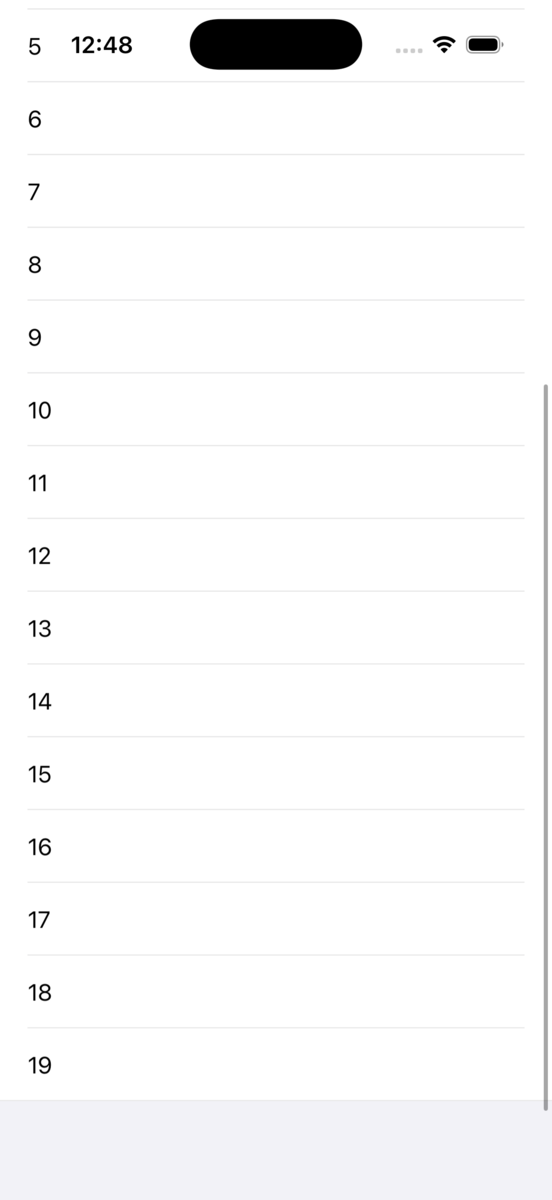
次はtableViewのcontentInsetAdjustmentBehaviorにneverを設定します
tableView.contentInsetAdjustmentBehavior = .never
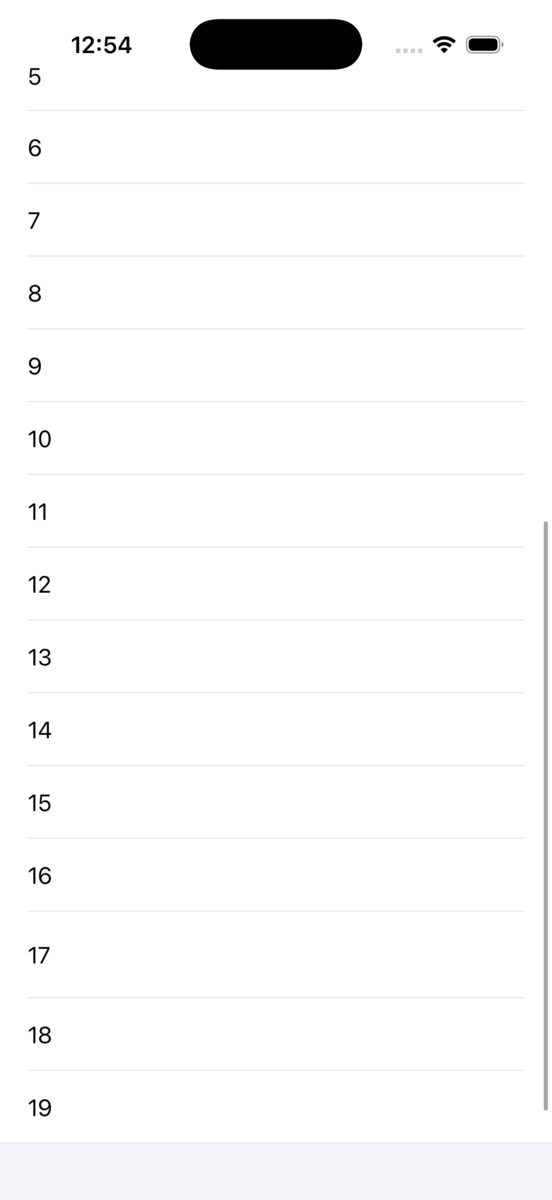
起動すると下のようになります
先ほどと違ってTableViewの下部にSafeArea分の余白がなくなった事が分かります
下のようにcontentInsetで指定すれば好きな分余裕を与える事ができるようになります
tableView.contentInset = .init(top: 0, left: 0, bottom: 100, right: 0)
右側のスクロールバーの位置も調整したい場合は下のようにscrollIndicatorInsetsを指定します
tableView.scrollIndicatorInsets = tableView.contentInset
scrollableAxesはスクロール可能な方向のみcontentInsetを設定してくれるようです
大体の場合で.automaticと同じような挙動になるかと思われます
tableView.scrollIndicatorInsets = .scrollableAxes
